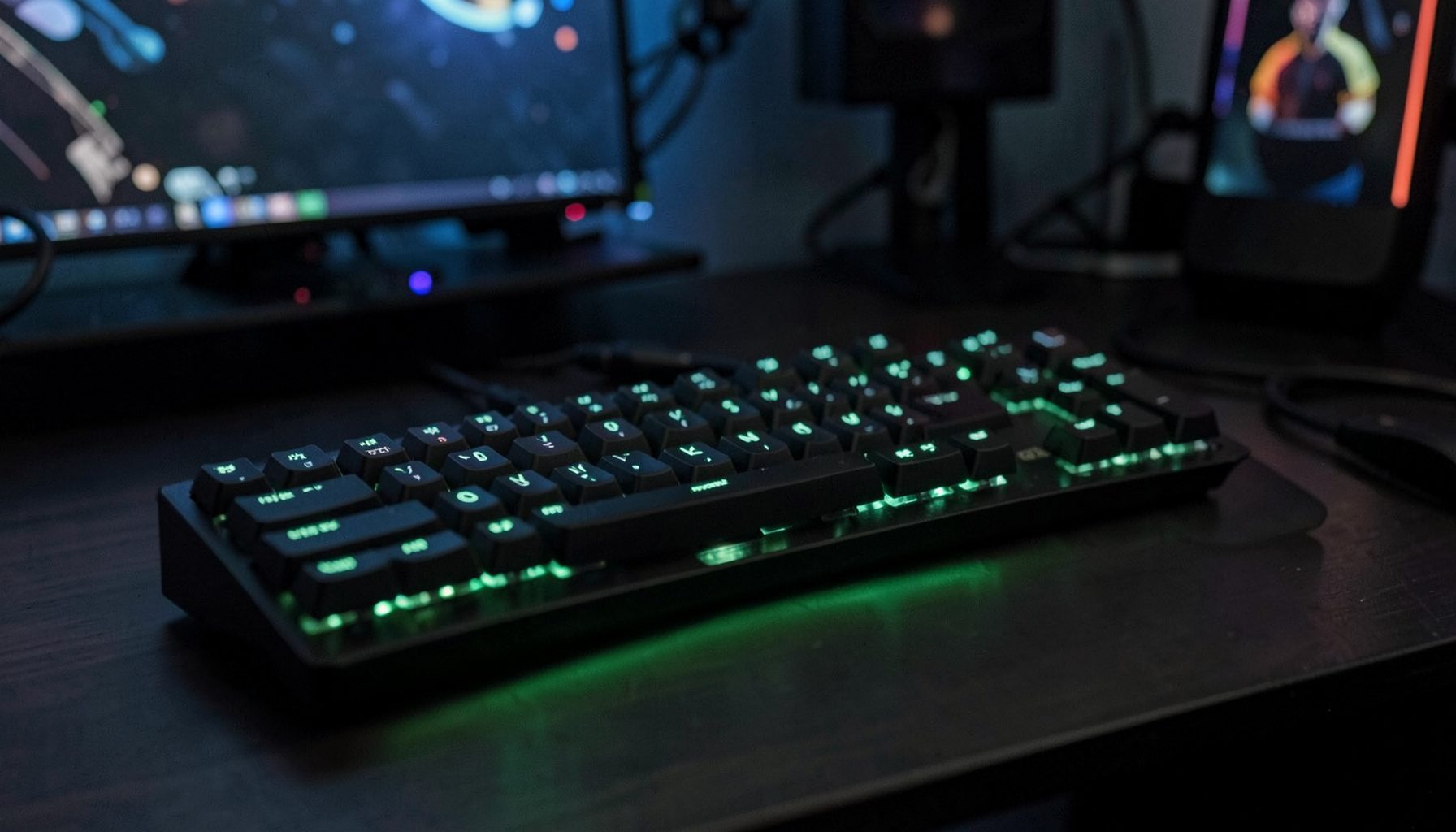
What You'll Find Here
Our guides and tips category is built for gamers who want to go beyond the spec sheet. Whether you're dialing in audio settings, optimizing a new mouse for competitive play, or setting up a mechanical keyboard just right, these articles focus on real-world, hands-on advice drawn from the same testing and experience that powers our reviews.
Expect practical walkthroughs on hardware setup, performance tuning, and gaming know-how — all written by enthusiasts, for enthusiasts.
Featured Guides
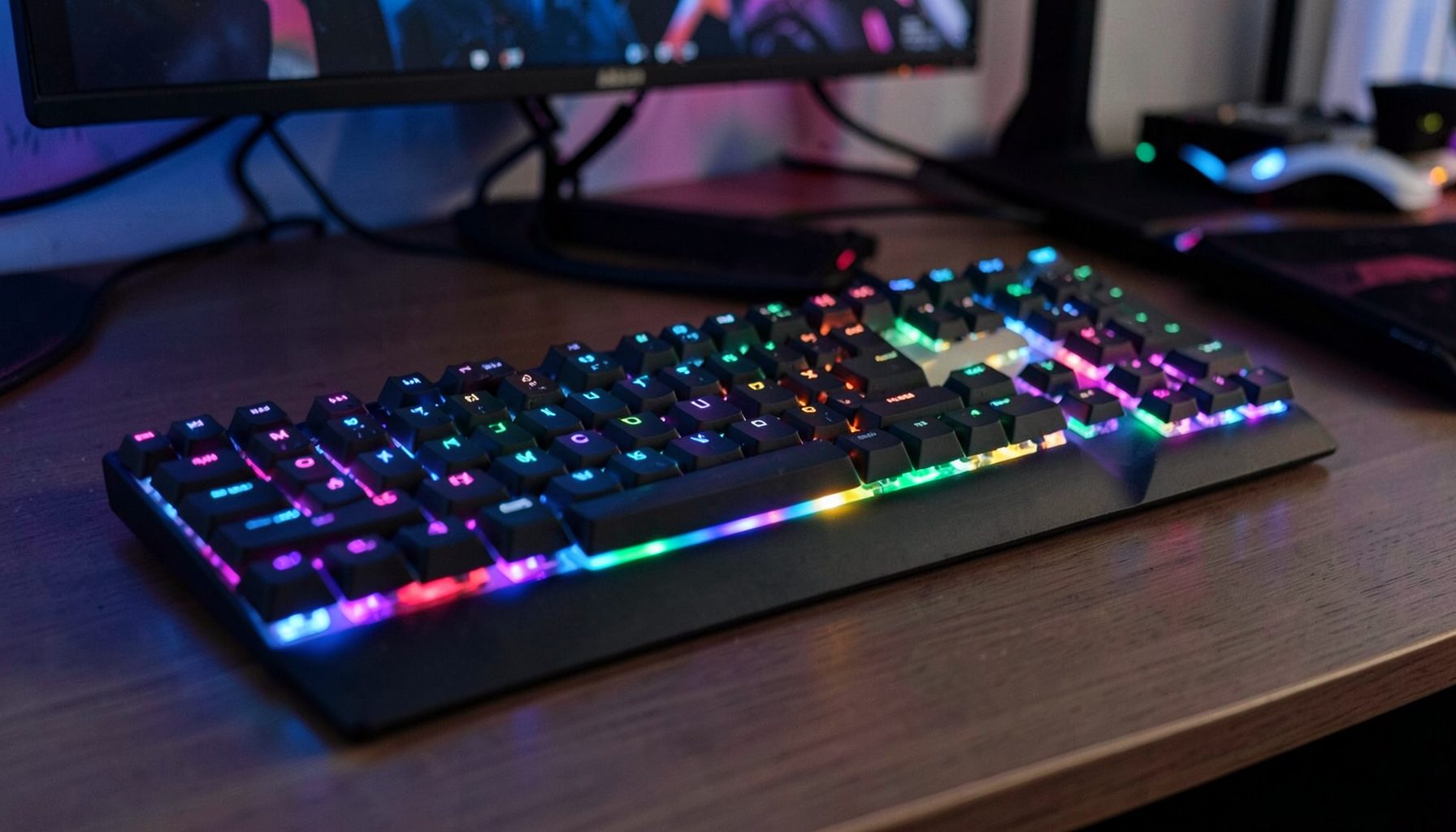
Getting Started with Mechanical Keyboards
Understand switch types, form factors, and keycap materials before your first purchase — plus tips on basic mods and maintenance.
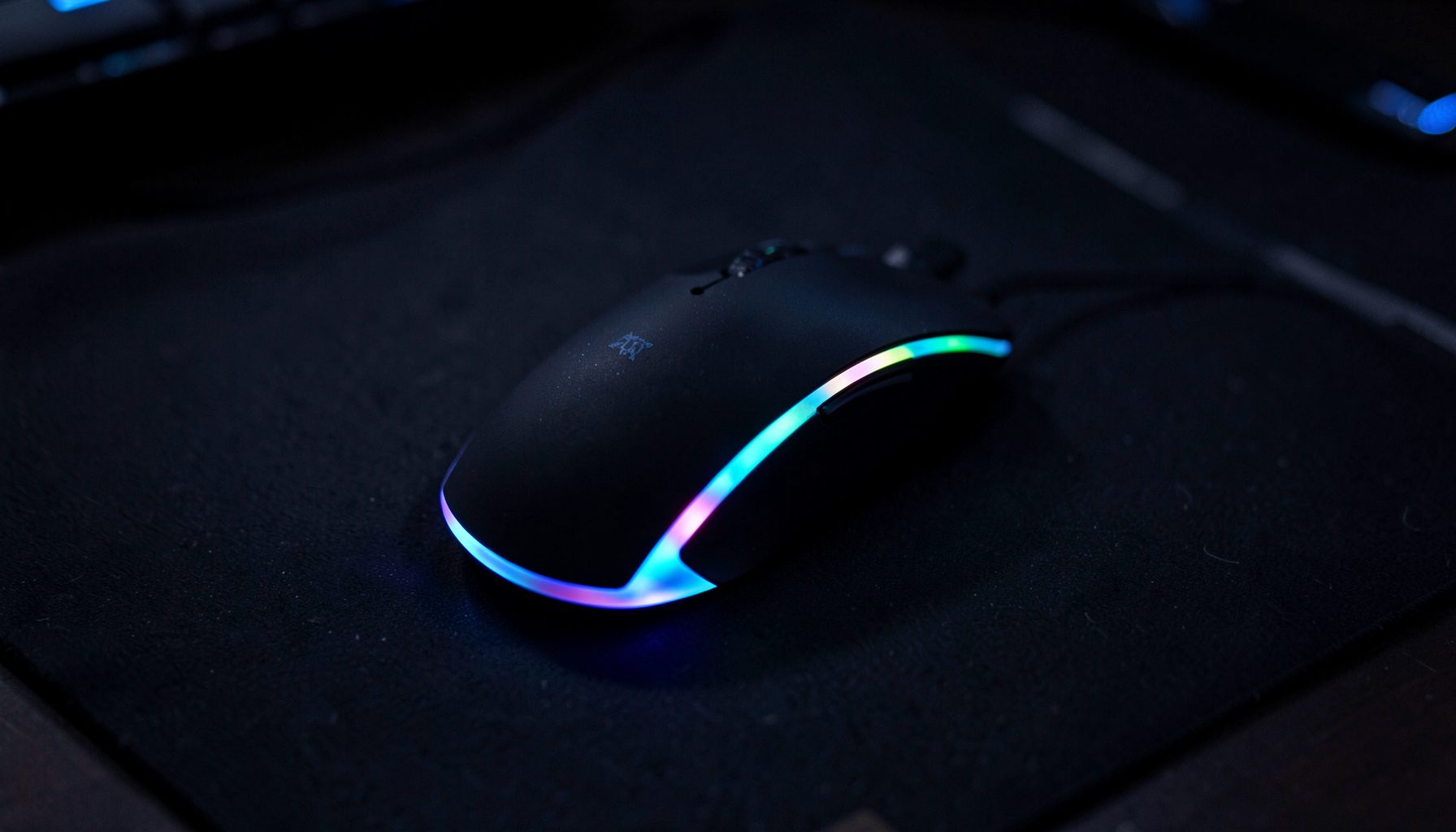
Mouse Settings for Competitive Play
Dial in DPI, polling rate, and lift-off distance. Learn how pros configure their mice for FPS and MOBA titles.
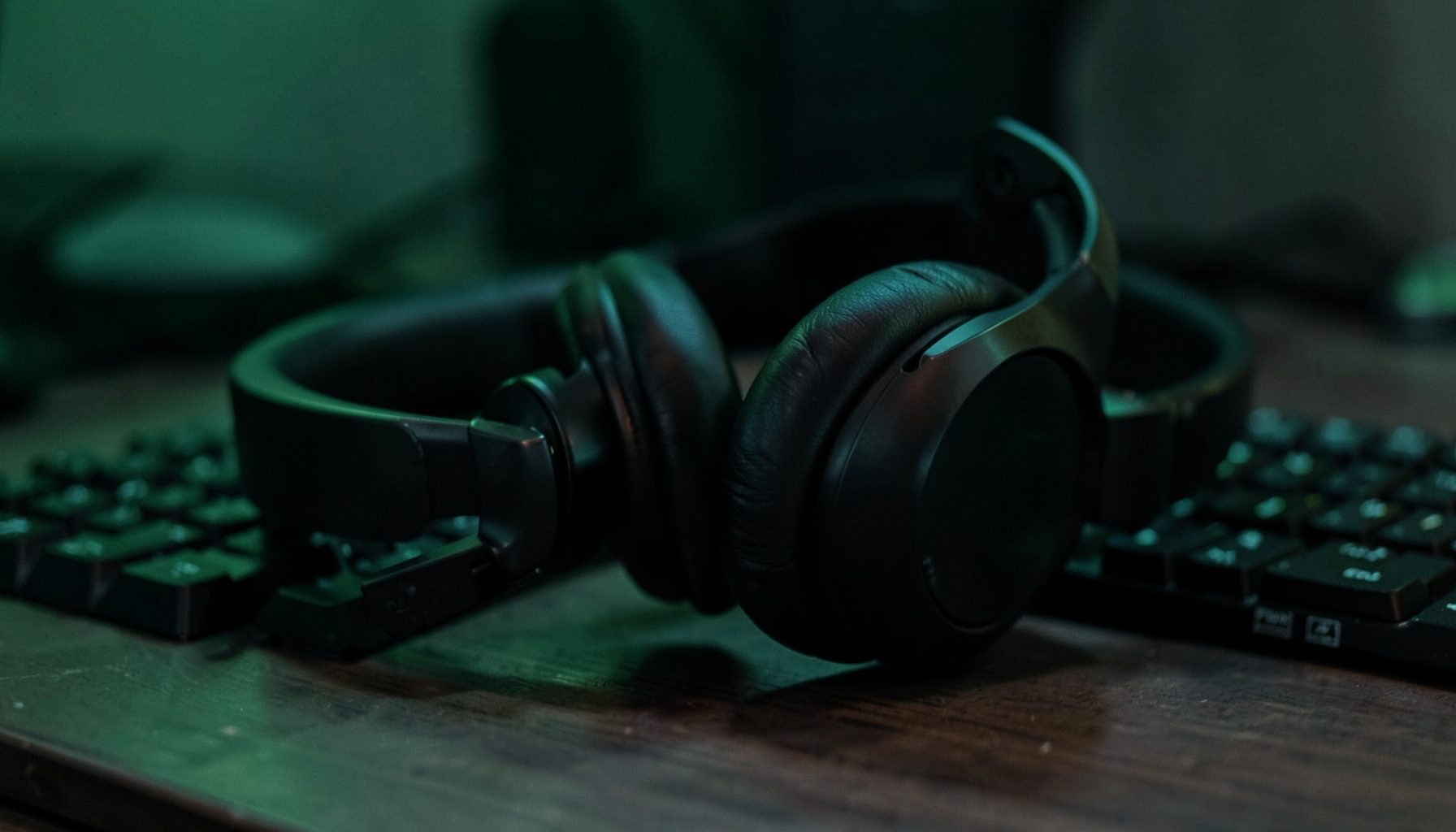
Audio Tuning for Gaming Headsets
EQ basics, DAC/amp pairing, and in-game audio settings to improve spatial awareness and soundstage accuracy.
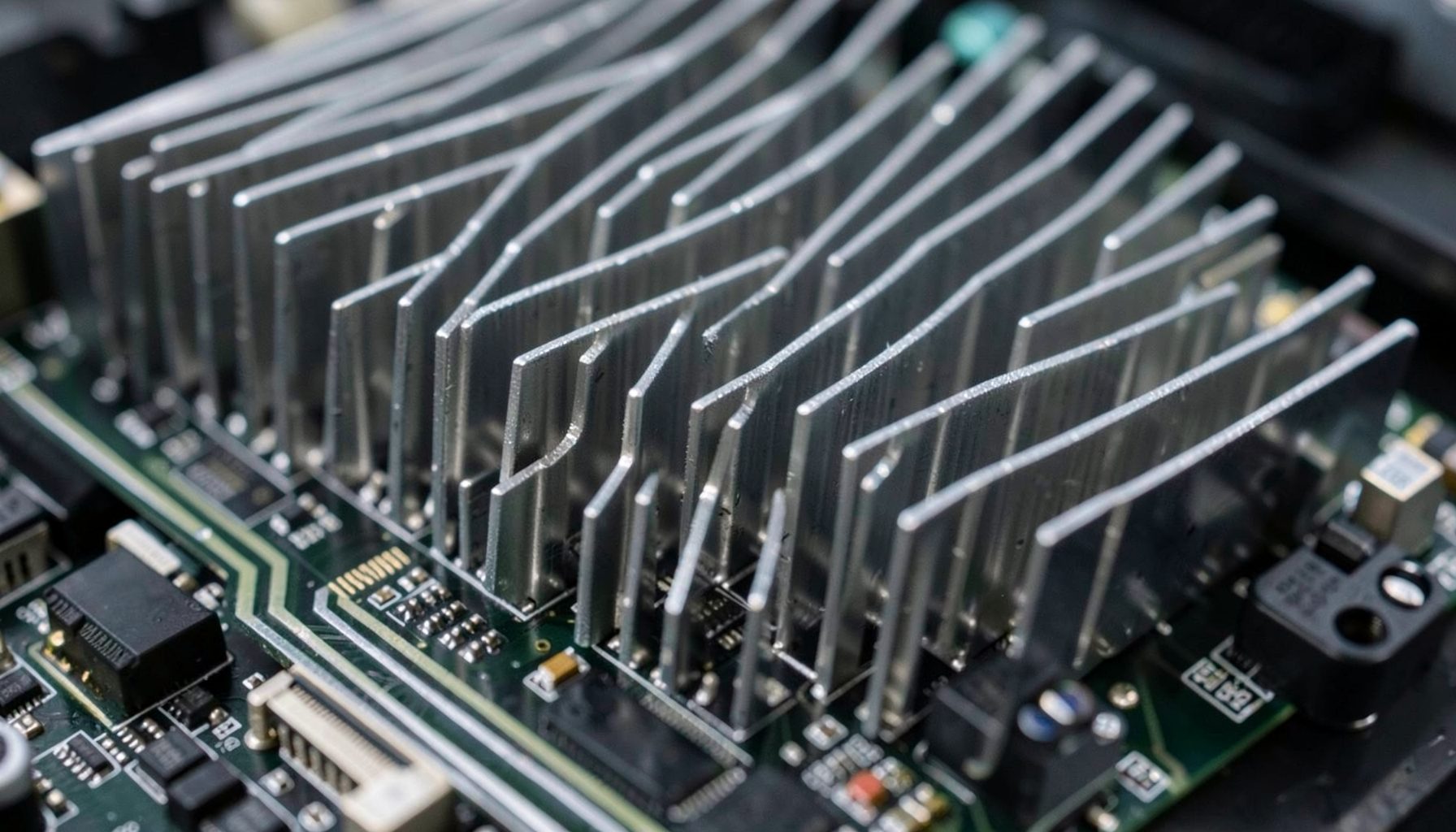
Building a Balanced Gaming PC
Avoid bottlenecks: how to match CPU, GPU, RAM, and storage for your target resolution and refresh rate.
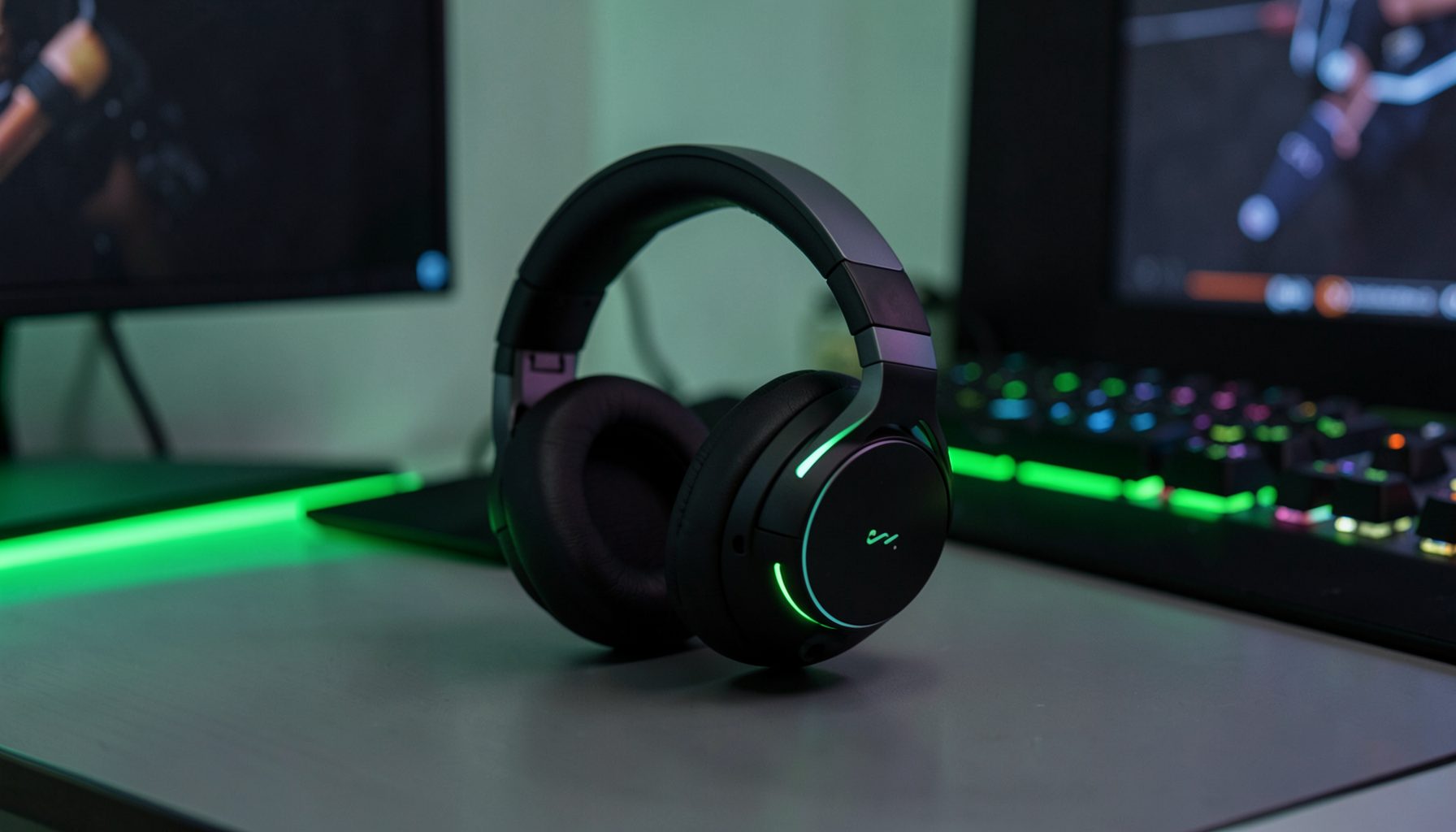
Wireless vs. Wired Peripherals
Latency, battery life, and reliability compared across headsets, mice, and keyboards — what matters and what doesn't.

Keyboard Maintenance & Cleaning
Step-by-step guide to cleaning keycaps, switches, and stabilizers — keep your board looking and feeling fresh.
Learn From Our Reviews
Every guide we publish is informed by the hands-on testing that goes into our Reviews section. From headset soundstage analysis to mouse sensor tracking, we translate lab and in-game findings into actionable advice you can use right away.
Browse our headset, keyboard, and mouse reviews for deep dives on specific products, then come back here for the broader tips that tie it all together.
Browse ReviewsFor gamers who want more than just a spec sheet, our guides and tips section is the place to start. We break down the practical side of gaming hardware, from tuning wireless audio headsets for clearer in-game footsteps to adjusting mouse sensitivity curves for smoother aim. Every article draws from hands-on testing across keyboards, mice, headsets, and power supplies, so the advice you find here is grounded in real experience rather than marketing language. Whether you are a newcomer setting up your first gaming rig or a seasoned player fine-tuning an existing setup, these walkthroughs are written to help you get the most from your gear.
One of the most requested topics we cover is getting started with mechanical keyboards. Understanding switch types, form factors, and keycap materials can feel overwhelming at first, but we simplify it into clear, approachable guidance. We also dive into audio optimization, showing how noise cancellation settings and mic positioning can transform your in-game communication. For mouse users, we explore DPI adjustments, thumbstick compatibility, and how small performance tweaks can make a meaningful difference in competitive play. These are the kinds of details that often go unnoticed in official product materials but genuinely matter during intense gameplay sessions.
Beyond setup, our tips section also looks ahead at emerging trends and new releases in the gaming hardware market. From the latest graphics card launches to innovative laptop designs and limited-edition peripherals, we help you understand what is worth your attention and what can wait. We share practical advice on extending the life of your equipment, maintaining performance over time, and knowing when an upgrade truly makes sense. The goal is simple: give you the confidence to make informed decisions and enjoy a smoother, more responsive gaming experience, whether you play casually on weekends or compete in serious esports.
Stay Tuned for More Guides
Our team is always testing new hardware and refining setups. Check back for fresh tips on getting the best performance from your gaming gear.
Back to Home