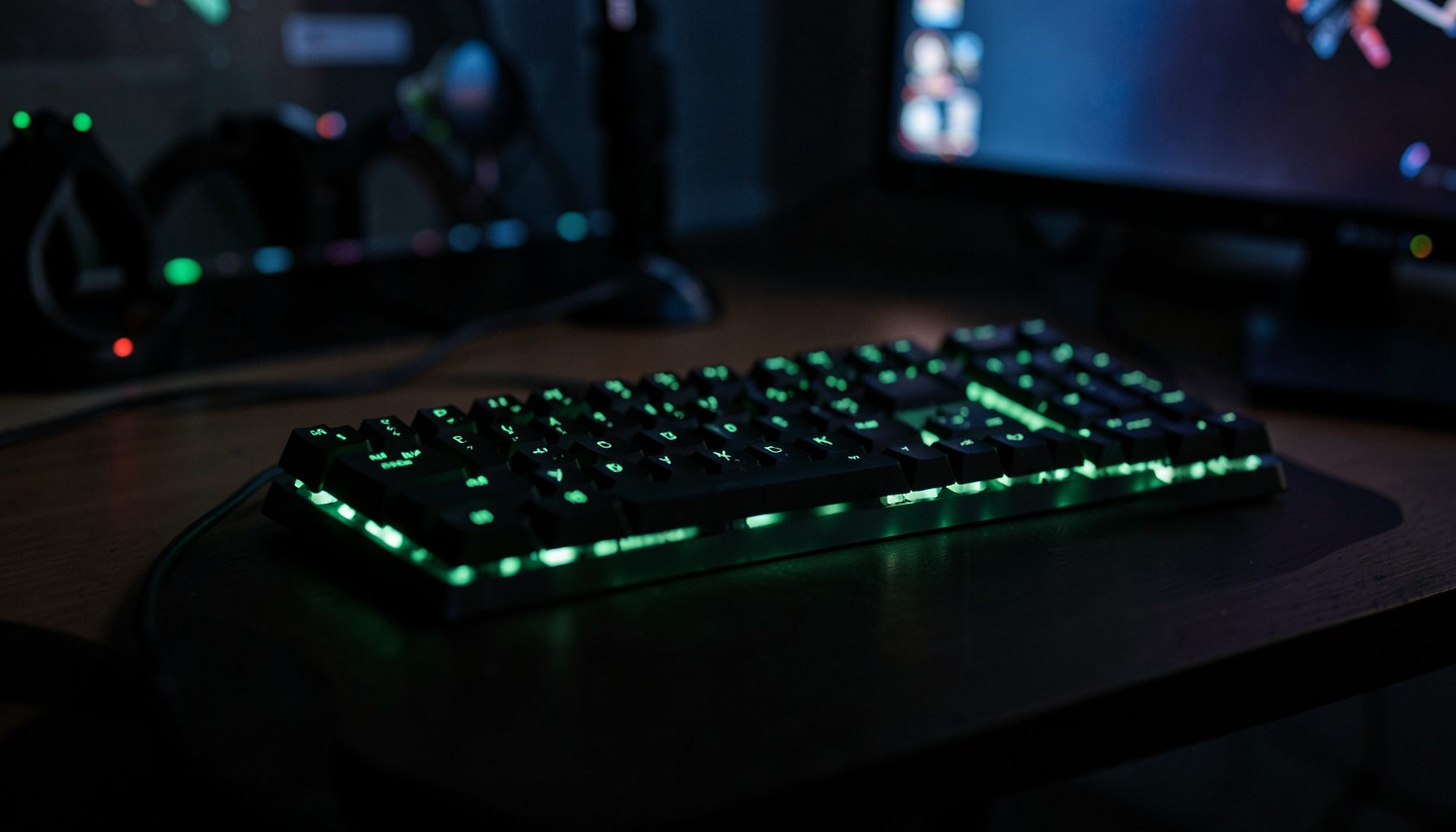
Mechanical keyboard switch tiers for every gaming genre
Mechanical keyboard switch tiers come down to the feedback you want under your fingers. A competitive FPS player may prefer the uninterrupted travel of a linear switch; an MMO player spending hours in menus and abilities may favour a tactile bump; an RPG player may enjoy the pronounced click of a clicky switch. Each response changes how presses feel, how quickly they register and how much sound reaches your desk.
The useful comparison between linear, tactile and clicky switches is not a universal ranking. It is the relationship between switch behaviour, gaming genre, session length and your surroundings. Weight, actuation distance, spring feel and dampening all matter, so choosing a red switch because it is labelled “fast” can leave out details that have a bigger effect on your game.
How the three switch families differ
Linear switches travel smoothly from their rest position to the bottom, without a raised bump to mark actuation. Red is the familiar colour, but spring weight and travel vary between ranges. Many begin around 2 mm and use a 35 g spring, although heavier, lighter and longer-travel versions are easy to find. A consistent force curve can make these switches comfortable for players who dislike sudden changes in resistance.
Tactile switches introduce a rounded bump during the initial press. Brown is the conventional colour, and the bump tells you that the key has actuated without requiring the force needed to bottom it out. A clicky switch adds a sharp, audible click, commonly through a blue switch mechanism, often alongside a tactile bump. The click provides immediate confirmation that most players find satisfying.
Sound is a by-product of the mechanism rather than a measure of gaming performance. Silent variants dampen the movement or replace the click assembly. Mounting style, keycap material and stabiliser tuning also alter the sound and feel, meaning two boards using the same named switch can still behave quite differently. Comparing complete boards is often more useful than relying on a switch colour alone.
Linear switches for fast competitive input
In an FPS, fast movement commands and weapon switching demand plenty of repeated inputs. A light linear switch offers a short, predictable path to actuation and lets your fingers reset quickly. Because there is no bump to push through, the action can feel clean during long matchmaking sessions or ranked play.
Linear does not automatically prevent accidental inputs. A very light spring can register a brush against the key, while a heavier 45–55 g linear can provide more deliberate feedback. Force curves, debounce and the keyboard’s rollover handling matter just as much as the switch colour when a rapid command must register exactly once. A stable plate and well-tuned stabilisers help remove any distracting movement.
Hall-effect linear switches add another option because their actuation point can be adjusted through software or onboard controls. That is useful for players who want a shorter or longer trigger point, although it does not make every board equally responsive. Firmware, polling rate and build quality still determine how consistently inputs appear in-game. Adjustable actuation is a feature, not a substitute for a reliable keyboard.
Tactile switches for precision and long sessions
MMOs fill the keyboard with abilities, macros and chat, making accidental input especially disruptive during raids or group queues. A medium tactile switch, often a brown around 45–55 g, gives a clear bump as the key actuates. That feedback can reveal a light brush that would not otherwise trigger the action, without demanding the extra force associated with a clicky switch.
RPGs benefit from the same confirmation in dialogue menus, shops and exploration. The bump provides a physical landmark for the home row and nearby keys, which can reduce the need to look down for a corrective press. Tactile switches are also usually easier to live with beside a microphone because they lack the sharp click of a blue switch.
For very long sessions, switch weight becomes a comfort choice rather than a shortcut to accuracy. Some players prefer a lighter brown around 45 g; others find that a more substantial bump prevents accidental bottoming-out. Silent tactile variants reduce noise for late-night play, but they will not suit someone who wants a pronounced click as part of the feedback. Try different weights before committing to a full set.
Comparing switch tiers for gaming
A side-by-side comparison makes the trade-offs easier to judge. It is also worth separating the core families from their quieter versions, since silence can change which switch fits a particular gaming setup.
| Switch family | Feel and travel | Sound character | Strongest gaming fit | Main trade-off |
|---|---|---|---|---|
| Linear | Smooth throughout, with no tactile bump | Soft to moderate | FPS, action games and fast typists | Light presses can feel indistinct to some players |
| Tactile | Rounded bump before bottom-out | Rounded and usually restrained | MMOs, RPGs and mixed gaming | The bump may distract during extremely rapid inputs |
| Clicky | Tactile bump plus a sharp click | Loud and sharply defined | RPGs, solo play and click-focused typists | Noise can disrupt shared rooms and voice chat |
| Silent linear | Smooth movement, sometimes with adjustable actuation | Muted rather than completely silent | Late-night shooters and shared gaming spaces | Reduced acoustic feedback and sometimes a higher price |
| Silent tactile | Rounded, dampened bump | Very quiet compared with standard tactile switches | Shared rooms, late-night MMOs and office-friendly gaming | Often costs more and may feel muted to click enthusiasts |
Genre should guide the first choice, not decide every detail. Fast shooters generally suit linear or silent linear switches, while MMOs and RPGs often benefit from tactile feedback. Clicky switches can be satisfying for solo, story-focused play, but their noise may be a poor match for shared flats, late-night sessions or voice chat. Your typing habits, hand comfort and preferred level of acoustic feedback should have the final say.
Match the switch to your gaming routine
Use these lists as a starting point for matching a switch to your main routine, then narrow the choice by weight, sound and build quality.
Competitive shooters and action-heavy play
- Start with a 45–55 g linear switch for quick, repeatable movement commands without a tactile interruption.
- Try a lighter linear option if you prefer minimal finger effort and rarely brush neighbouring keys.
- Use a silent linear switch when teammates or housemates share the room during late sessions.
- Consider a light tactile switch if a confirmation bump helps you trust rapid, isolated inputs.
- Prioritise stable construction, reliable rollover and responsive firmware over switch hype.
MMOs, RPGs and mixed gaming
- Start with a medium brown tactile switch for confirmation, comfort and moderate noise during long raids.
- Choose a clicky switch if audible feedback makes menu and dialogue commands feel more deliberate.
- Pick a silent tactile switch for late-night play beside someone who is sleeping.
- Use linear switches for action-heavy MMOs if you already prefer fast, bump-free movement.
- Test several spring weights before buying, since keycap shape and stabiliser fit alter perceived comfort.
A single keyboard rarely covers every game perfectly, but the right starting switch can prevent small discomforts from building over a long session. Pay attention to the keys you use most, especially Space, Shift and the ability keys clustered around WASD. If a board feels inconsistent under those fingers, another switch may work better than changing keycaps alone.
Choose your next gaming keyboard
Australian buyers have a useful range of options locally. Melbourne players can browse mechanical keyboards at PLE or City Chess, while Sydney gamers can compare gaming models at JB Hi-Fi and Mwave. Australian-dollar prices normally include GST, which can make local stock easier to compare with overseas marketplace listings once shipping and import costs are considered.
Layout and climate deserve attention too. Australian office keyboards often use a large ISO Return rather than the compact ANSI shape, so check layout compatibility before choosing a 60%, 65% or 75% board. In Brisbane’s humid summers, glossy ABS keycaps can feel tackier, while textured PBT caps often remain more comfortable during extended sessions. These differences are subtle between individual switches but noticeable across a full keyboard.
For a custom build, confirm whether the PCB accepts three-pin or five-pin switches, and budget for stabilisers, switches and keycaps separately. Gateron, Kailh, Outemu and similar ranges cover mainstream weights and switch types, while Hall-effect boards offer adjustable actuation. Local warranty support and the availability of replacement parts can matter more than a minor difference between two spring weights.
Choose your switch today, shortlist a keyboard with the response, layout and noise level you need, and take that confident feel into your next match.