Curved gaming monitors for FPS: gains, drawbacks and buying choices
Curved gaming monitors can make first-person shooters feel more immediate because the edges of the image wrap gently toward the player. That sense of enclosure helps in fast games where peripheral threats matter. It does not magically widen your field of view, change frame rate or improve aim. The pros and cons of curved gaming monitors for first-person shooters depend heavily on screen shape, panel quality, desk space and the games you play.
A good comparison starts with separating the curve from the hardware underneath it. A 1500R or 1800R screen can run at 1440p or 4K with 165Hz or 240Hz, adaptive sync and fast response times. Conversely, a cheap curved panel can trail a sharp flat monitor on motion clarity, contrast and build quality. Buying by curvature alone is a recipe for a disappointing rig.
For Australian buyers, local reality adds another layer. Desk space is often limited in Sydney and Melbourne apartments, while a 34-inch ultrawide can demand far more room than a 27-inch 16:9 display. Online marketplaces make comparison easy, but panel batches, freight delays and warranty support can vary. Consumer prices should be read in Australian dollars with 10% GST included, rather than treated like tax-free overseas listings.
This guide weighs the benefits and drawbacks for competitive shooters, including Valorant, Counter-Strike 2, Overwatch 2 and the rougher battle-royale sessions that regularly stretch past midnight. It also considers comfort, image geometry and the practical hardware decisions that matter after unboxing. The aim is not to crown one shape for every player, but to show when a curve earns its place.
Why curvature changes the shooting experience
Curvature is measured by radius: 1000R bends more sharply than 1500R, while 1800R is gentler again. A smaller number does not automatically mean a better screen. The important question is whether the curve feels natural at your viewing distance and whether the model controls reflections, smearing and off-angle colour shifts. Aggressive curves can make the edges feel closer, but they can also stretch the image around your head.
In a first-person shooter, that wraparound can pull the scene toward a more natural field of vision. Enemies entering from the side may become easier to notice without twisting the head as far, and sci-fi shooters with cockpit views can feel more enveloping. The effect is strongest on a large 34-inch panel viewed from roughly 70 to 90 centimetres away. At arm’s length, a pronounced curve can feel theatrical rather than immersive.
Curvature also changes the viewing geometry across the screen. Straight lines near the edges may appear bowed, while text and HUD elements can vary slightly in scale. That is usually manageable in a game, but it is one reason to check a curved display with the sort of interface you use every day. When checking a retailer’s specification sheet, compare the stated model with equivalent panels sold by a global PC supplier, then verify local warranty coverage. A model number and a radius tell you very little on their own.
Competitive clarity versus peripheral awareness
Motion performance is determined by refresh rate, response time, overdrive behaviour and the panel itself, not by whether the screen is curved. A well-tuned 240Hz flat display can deliver cleaner edges and more consistent aim than a curved 165Hz model with weak overdrive. For competitive Valorant or Counter-Strike play, prioritise a low measured response time, predictable frame delivery and a stable stand before considering shape.
VA panels are common on curved gaming monitors because they can produce deeper blacks and higher contrast than many flat IPS alternatives. That advantage improves detail in dark corridors, caves and night maps. The trade-off is that slow pixel transitions may create visible smearing, especially around fast-moving enemies. Overdrive can tighten response, yet aggressive settings may introduce flicker or overshoot. IPS and Fast IPS panels often handle motion more cleanly, but their native contrast can make dark scenes look washed out.
A curve gives some players a genuine competitive edge by reducing the effort needed to scan the far edges of their vision. This can help in tactical shooters where movement is readable through sound, shape and light. It can also work against precision. If peripheral content is warped, a target may appear larger on one side, and inconsistent geometry can make the same crosshair placement feel different across the screen. Those who prefer consistency and a clean HUD often find a flat 16:9 or 16:10 panel easier to trust.
Comfort, glare and the Australian desk
A curved screen does not automatically reduce eye strain. It may encourage a more centred head position, but comfort depends on size, viewing distance, height, desk depth and the quality of the anti-glare coating. A 34-inch model needs more space than its diagonal measurement suggests. In a compact Sydney apartment setup, a 27-inch curved monitor may be a smarter compromise than a larger panel that forces the player to hunch forward.
Australian sunlight can make reflections especially disruptive. A glossy screen facing a bright window can create distracting patches, while a matte coating may make blacks look grey and add a visible texture. Position the display perpendicular to windows where possible, use blinds and adjust brightness for the room rather than copying a preset. Bright overhead lighting can reveal panel uniformity and backlight bleed, so testing in more than one room is worthwhile.
The practical issue in Australia is often fit and ownership rather than the curve itself. Desk depth, monitor-arm clearance and room for the base can determine whether the panel works at all. Look for VESA mounting support if you want to reclaim desk space, and check the power requirements against Australian 230V, 50Hz mains and the supplied lead. Review the retailer’s dead-pixel policy and how the Australian Consumer Law applies if the panel develops a fault. A feature that looks like good value can still be poor value if returns require awkward freight; for many buyers, an unsupported panel is simply not worth the dosh.
Specs that matter beyond the curve
Resolution and refresh rate should be matched to the PC and the games. For competitive shooters, 1080p at 240Hz remains useful on lower-cost esports systems, while 1440p at 165Hz or 240Hz offers a stronger balance for mixed use. 4K can sharpen distant targets, yet it places a heavier load on the graphics card. A higher-resolution curved screen with an underpowered GPU can feel less smooth than a simpler flat monitor that maintains its target frame rate.
Adaptive sync, input lag and HDR deserve direct comparison. FreeSync or G-Sync-compatible modes can reduce tearing when frame rates fluctuate, but they should not be treated as a cure for inconsistent performance. Check whether VRR works across the full HDMI or DisplayPort range, including low frame rates. For feature films and brighter multiplayer maps, good local dimming matters more than an impressive curvature number. A plain 1440p model may be the solid buy if that is how you actually play.
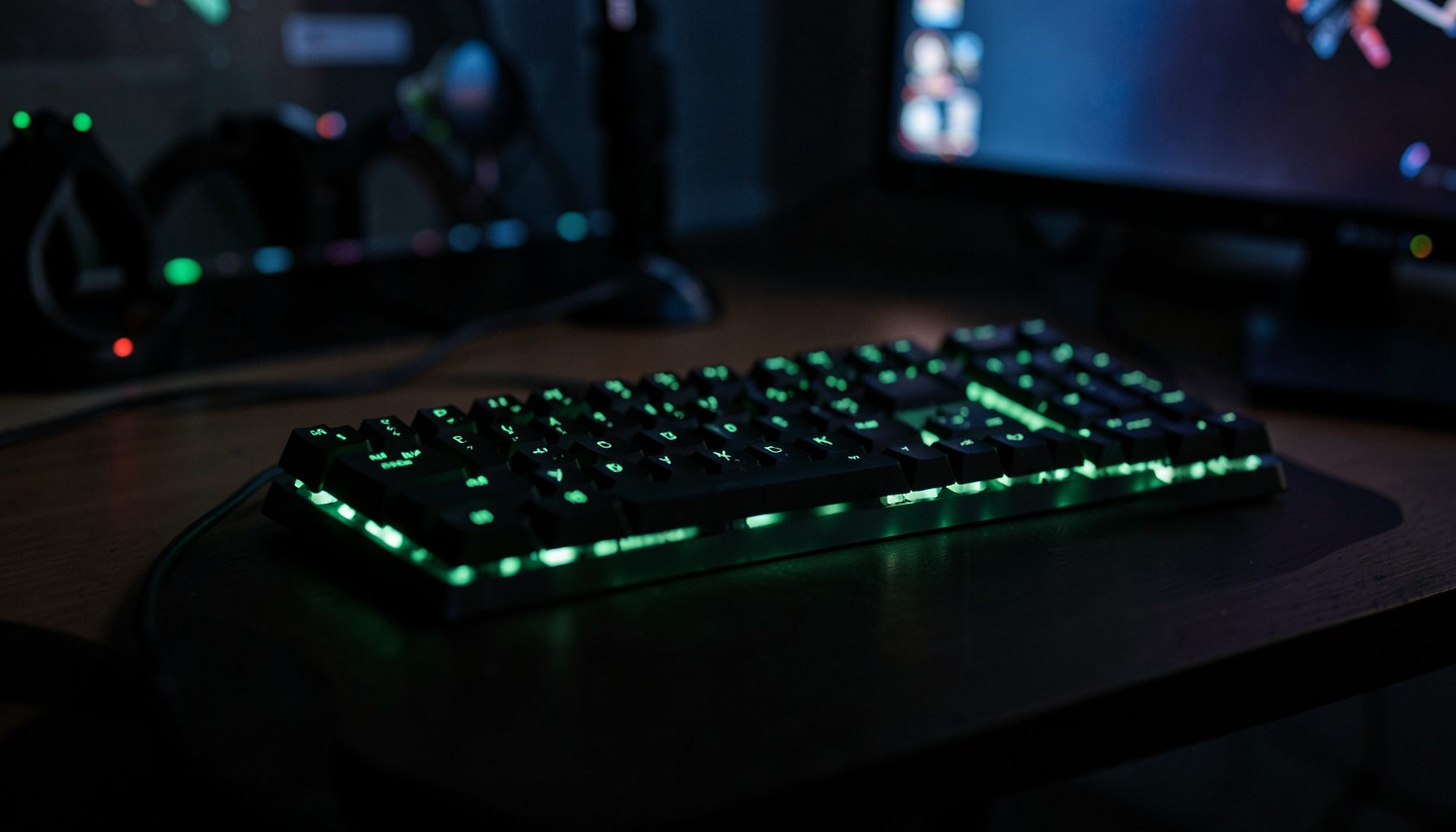
Connectivity can decide whether a curved monitor belongs in your setup. DisplayPort 1.4 and HDMI 2.1 are useful for high refresh rates and 4K output, while a USB hub can simplify a keyboard, mouse or camera connection. Confirm the exact ports, bandwidth limits, speakers and headphone output under the model you are considering. The rest of a compact battle station matters too: this keyboard customisation comparison shows why feel and build quality can matter alongside a fast display. Choose the monitor and desk layout as one system rather than isolated purchases.
A practical buying decision
The strongest case for a curve is a large, immersive display used at a sensible distance, particularly for single-player shooters, sims and tactical games with heavy peripheral information. Check the return and dead-pixel policies before ordering and keep the packaging, because a curved panel is harder to resell once its box size becomes part of the decision.
A curve is worth considering when:
- A 27-inch model gives a gentle wrap, while a 34-inch 1440p screen supplies a true 21:9 field.
- You sit far enough back for the image to wrap naturally rather than look exaggerated.
- The panel offers verified response times, adaptive sync and a reliable local warranty.
- Deep contrast improves dark scenes without introducing obvious motion smearing.
- Your desk has enough depth to keep the screen at a comfortable eye level.
Staying with a flat screen is often wiser when:
- You need the sharpest possible text for work, browsing or content creation.
- Your desk is shallow or your viewing distance is unusually short.
- Competitive consistency matters more to you than immersion and edge awareness.
- The curved model saves money by cutting back on response time, brightness or warranty.
- You regularly compare game footage, editing timelines or other straight-edged interfaces.
Before checkout, place the shortlisted curved and flat models side by side at your real desk distance, test your usual shooter at its native resolution and inspect motion in dark scenes. Use Australian pricing, confirmed local warranty and the included power lead as hard filters, then compare current local stock and add only the model that passes every check to your shortlist. Buy the panel and the fit, not the curvature label.